
Solutions · By Vessel Type
Deck Carriers with SecureLoad
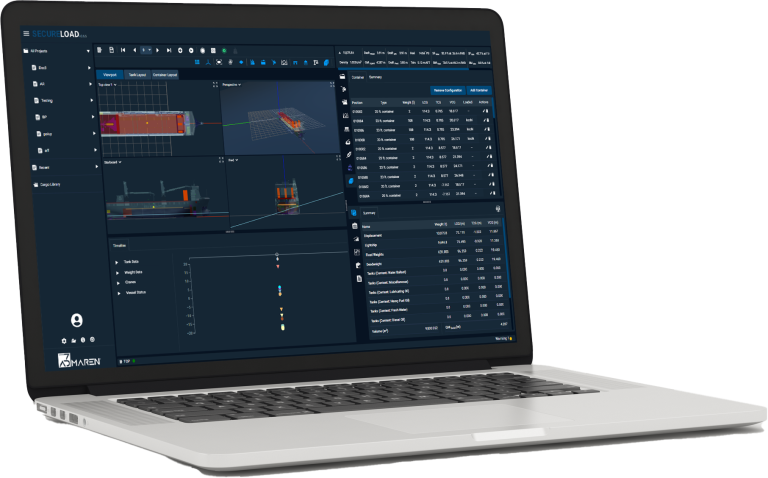
Who Uses SecureLoad on Deck Carriers
On the ship
Masters
Take responsibility for challenging deck voyages with loading and lashing cases that are clear, traceable and surveyor-ready.
Chief Officers
Plan and adjust deck stows, clearances and lashings without juggling separate drawings, spreadsheets and ad-hoc tools.
On shore
Heavy-Lift / Cargo Engineers
Design and verify stows and seafastening concepts on real deck geometry, then document the reasoning for each decision.
Port Captains / Superintendents
Review proposed deck layouts, support vessels through changes at ports and ensure margins stay acceptable before sailing.
Chartering & Operations
Evaluate which deck carriers can truly take the units, modules and sequences for a job, and present technically-backed options to customers.
Operational Realities on Deck Carriers
Onboard & Planning
- Large units with tight air, swing and side clearances that leave little room for error.
- Maintaining visibility, safe access routes and crew safety around tall or wide cargo on exposed decks.
- Mixing big units, containers and smaller items on limited deck area without losing control of stability and clearances.
Shore & Commercial
- Evaluating which vessel – and which deck layout – can actually take the proposed cargo and sequences.
- Managing multi-port loading/discharge and interim stows while keeping track of what sits where and when.
- Proving feasibility and safety to customers and surveyors early, before you commit the vessel or issue final plans.
How SecureLoad Supports Deck Carrier Work
3D Stowage Planner
Acceleration & 3D Lashing

Loading Computer / Fleet Cargo Planner
From First Enquiry to Approved Deck Plan
Receive Enquiry & Cargo Data
Test Vessels & Routes
Design Deck Layout in 3D
Run Lashing & Loading Checks
Share Plan and Execute
What Changes With SecureLoad on Deck Carriers
Before SecureLoad
2D sketches and spreadsheets trying to represent complex deck layouts and clearances.
Multiple plan versions circulating between ship, office, stevedores and customers.
Rework on deck when clearances, visibility or lashing arrangements don’t match what was originally planned.
With SecureLoad
3D layouts on real vessel geometry, with clear visibility of clearances, access routes and critical points.
A single, traceable deck plan from early concept through reviews to final approval.
Lashing and loading checks documented together in one package for surveyors, customers and internal teams.
Managing Clearances, Visibility and Access
Visualise critical clearances
See air, swing and side clearances around large units directly on the deck layout, instead of inferring them from 2D sketches.
Consider visibility impacts
Assess mast and bridge visibility where relevant, so tall units and stacks don’t create unforeseen blind spots.
Protect crew access and safety
Mark crew access paths, working areas and no-go zones around cargo so operations stay safe and practical on deck.
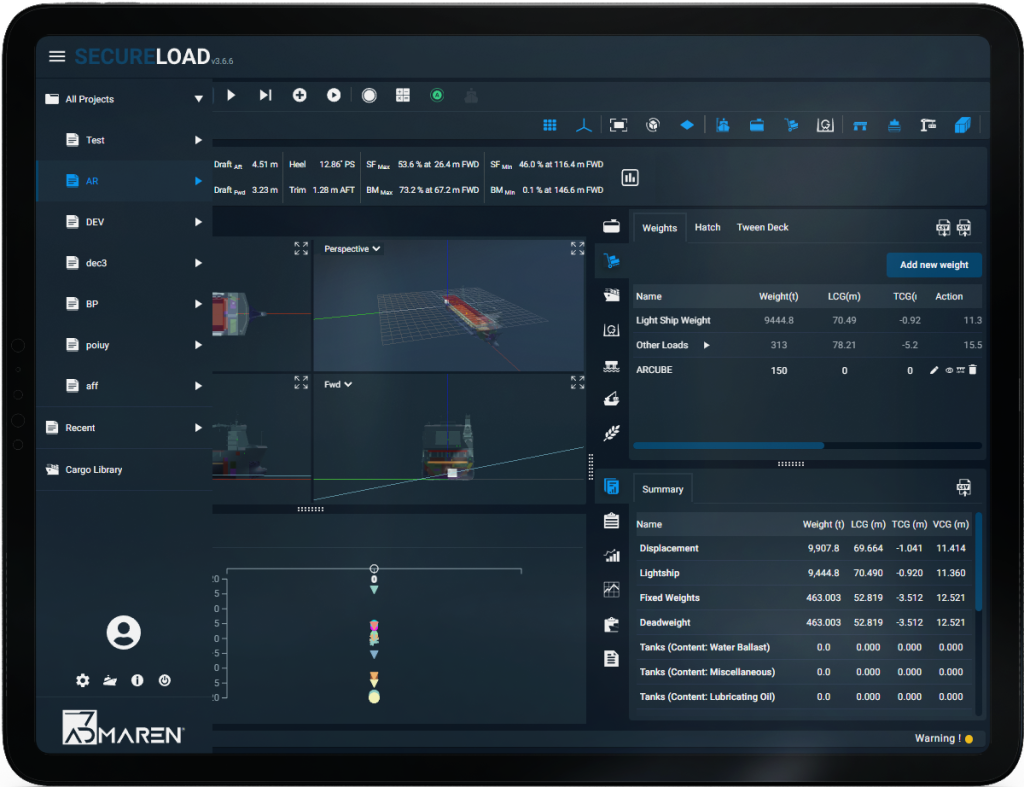
Multi-Port and Mixed Cargo Scenarios
Handle decks with multiple unit types, containers and smaller items together in a single 3D scenario.
Plan partial discharges and interim stows across ports, keeping track of what moves where and when.
Reuse scenario templates for recurring trades or project patterns instead of rebuilding every case from scratch.
Connects with Heavy-Lift & Project Cargo
Resources for Deck Carrier Teams
Deep-dive into how SecureLoad works in real operations.
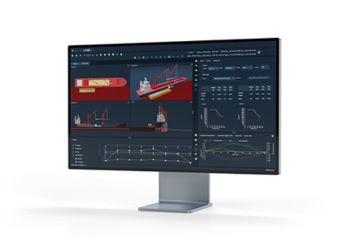
Blog
Planning Complex Deck Voyages Without Losing the Plot
How 3D layouts and shared loadcases help deck carrier operators cut rework and keep everyone aligned on complex voyages.
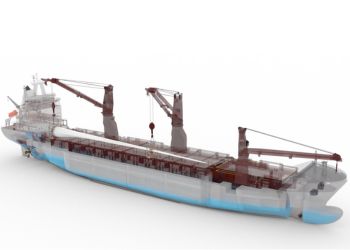
Videos
Deck Layout Planning in SecureLoad – Short Demo
Watch a sample deck layout built in 3D—from first enquiry to agreed plan for ship, shore and customers.
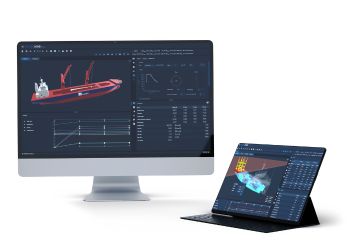
Downloads
Deck Carrier Planning with SecureLoad – One-Pager
A quick overview of how SecureLoad supports deck utilisation, clearances, lashing and loading checks on deck carriers.
