Product · Loading Computer

Web-Based Loading Computer for Modern Fleets

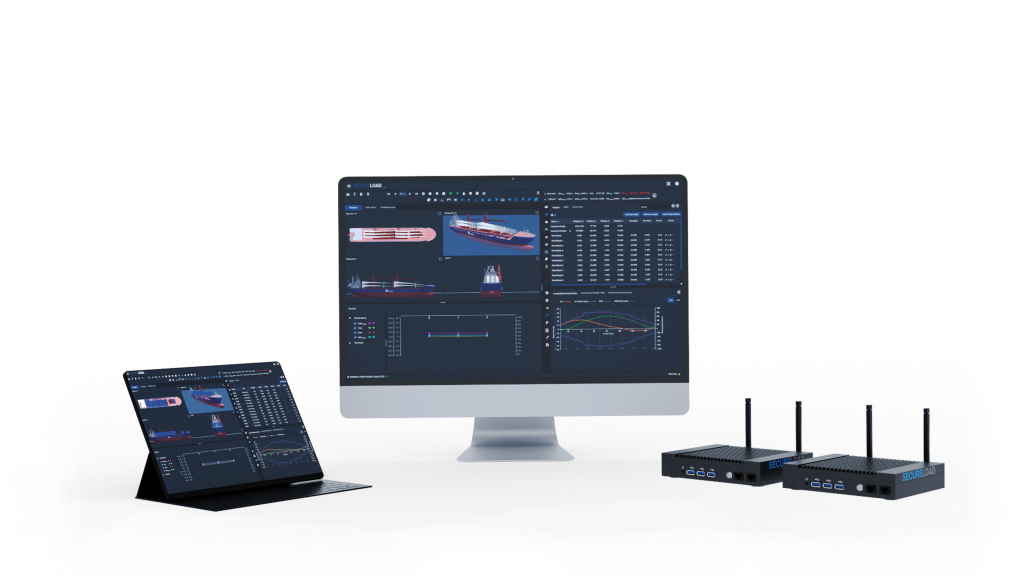
SecureLoad Loading Computer brings intact/damage stability, longitudinal strength and ballast/trim planning into one continuous, class-aligned workflow. It runs in the browser, so masters, chief officers, port captains and surveyors all work from the same vessel model and approved loading cases, onboard and from shore.
Product Banner

Run the Checks. Prove the Margins. Sail on Time.

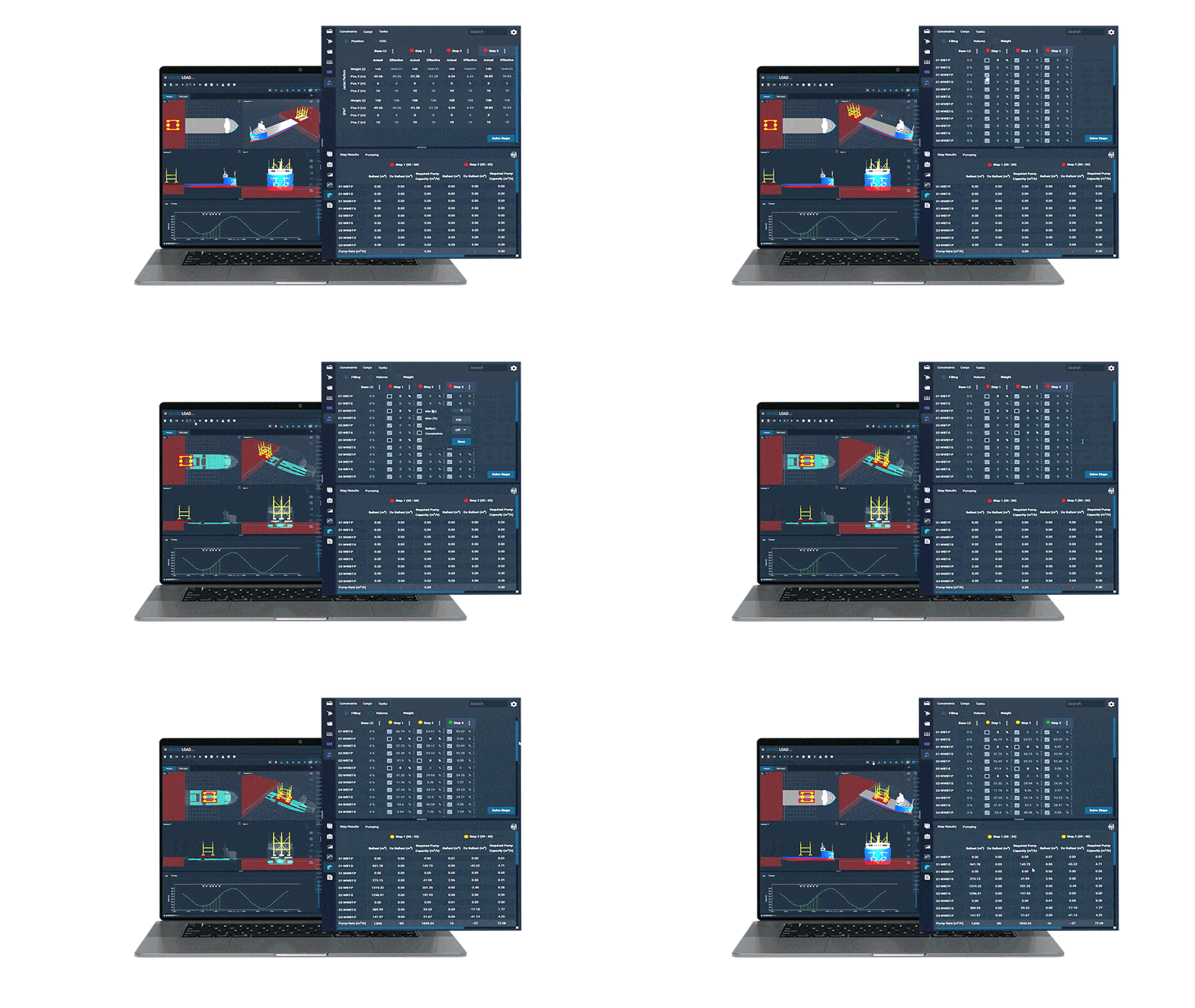
SecureLoad Loading Computer brings case setup, intact/damage stability, longitudinal strength and ballast/trim planning into one workflow. You build the condition once, run all checks on the same model and generate surveyor-ready reports-without jumping between tools or re-entering data.
One Flow, No Re-Entry

One Flow, No Re-Entry

Intact and damage stability with longitudinal strength in a single, continuous flow-no rebuilding the same case in different modules or systems.
Ballast & Trim from Approved Cases

Ballast & Trim from Approved Cases

Ballast and trim plans are derived directly from approved loading conditions, not separate spreadsheets or offline calculations.
Ship & Shore Collaboration

Ship & Shore Collaboration

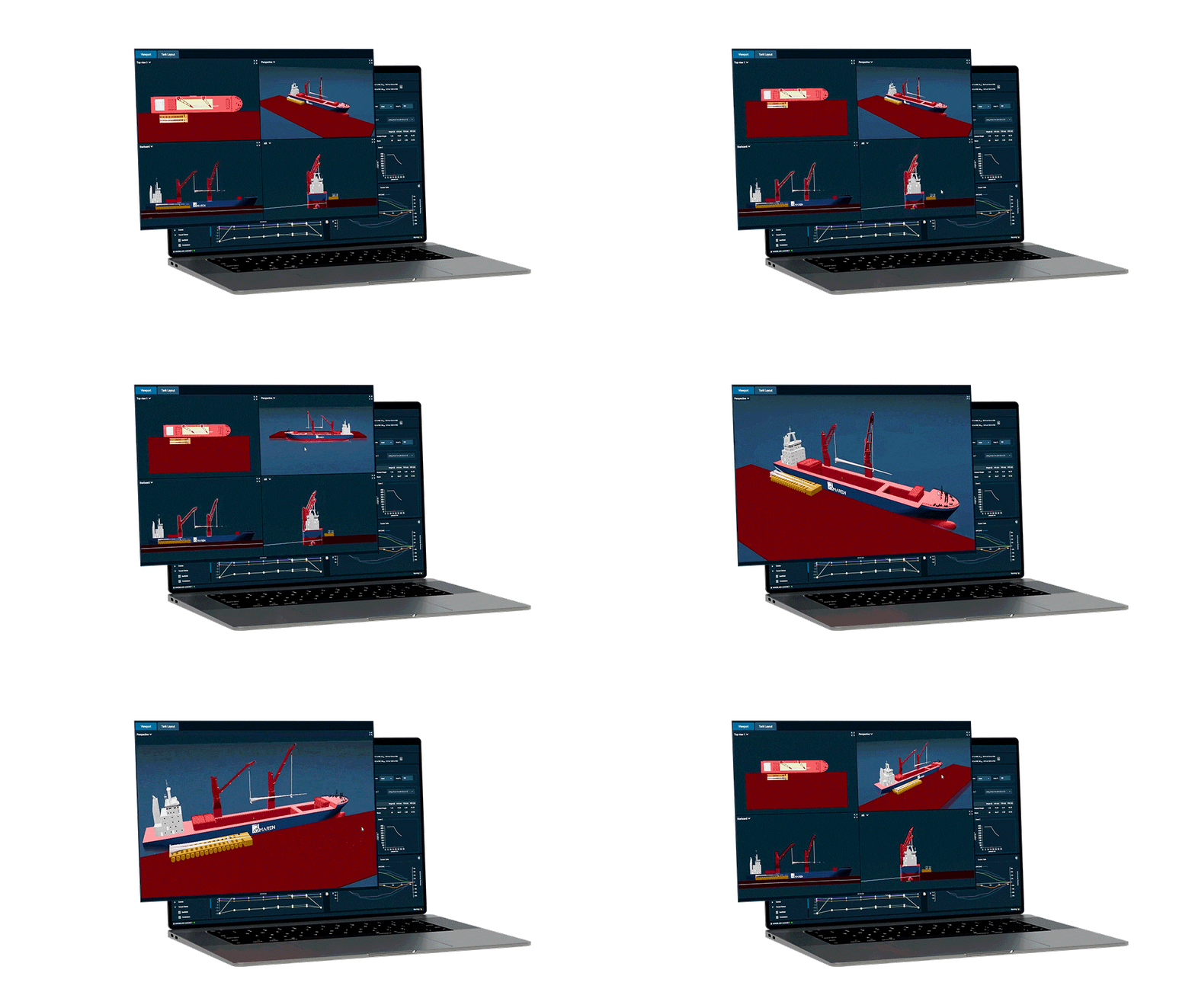
Masters, chief officers and port captains work from the same vessel model and cases, with shore teams able to review or pre-build conditions.
Surveyor-Ready Outputs

Surveyor-Ready Outputs

Reports are aligned with class-approved methods and formats, so surveyors see exactly how margins were calculated and signed off.ssumptions and sign-offs.

Capabilities Built for Real-World Operations

SecureLoad Loading Computer is built for day-to-day cargo work, not just textbook conditions. It combines class-aligned calculations with tools that match how officers and supers actually plan voyages.

Core Calculations

Intact & Damage Stability
Run intact and damage stability checks on the same vessel model and loading cases, using class-aligned methods and limits.
Longitudinal Strength
Check longitudinal strength for each condition alongside stability, so bending moments and shear forces stay within safe envelopes.
Shear Force and Bending Moments
Visualise SF/BM curves and margins for all relevant loading conditions, with clear indication of where you approach limits.
Grain & Special Cargo Conditions
Support for grain and other special cargo conditions where required, aligned with applicable rules and approved methods.

Planning & Workflow

Cargo and Ballast Case Definition
Define cargo distributions, tank states, ports and sequences in one place-across multiple conditions in a voyage.
Trim Optimisation Support
Explore trim options within allowed envelopes to support fuel and performance goals, while keeping stability and strength in check.
Multi-Condition Comparisons
Compare key parameters across multiple conditions-arrival, departure, intermediate-to see how margins move through the voyage.
Scenario Versioning & Templates
Save, copy and adapt cases as templates for repeat trades, so common patterns don’t need to be rebuilt from scratch.

Configured for Your Vessel Types

Vessel-specific models, rules and approvals tuned to how you actually operate.
Bulk Carriers
Loading, ballast and grain stability checks across voyage conditions and draft limits on bulk trades.
General Cargo / MPP & Heavy-Lift
Multi-deck, multi-port and project cargo operations with combined deck and hold loading.
Deck Carriers
Open-deck and roll-on/roll-off operations with large units, clearances and deck utilisation in focus.
Heavy-Load Barges
Towed barge operations with demanding trim, stability and strength envelopes in shallow or restricted waters.
Offshore / Jack-Up / Dredgers
Specialised offshore and construction units where ballast, stability and operating limits must stay fully transparent.

Additional vessel types on request. Mixed and multi-vessel fleets are fully supported.

From First Estimate to Final Sign-Off

Built around how masters, chief officers and port captains actually work a loading case.
0

Setup Case

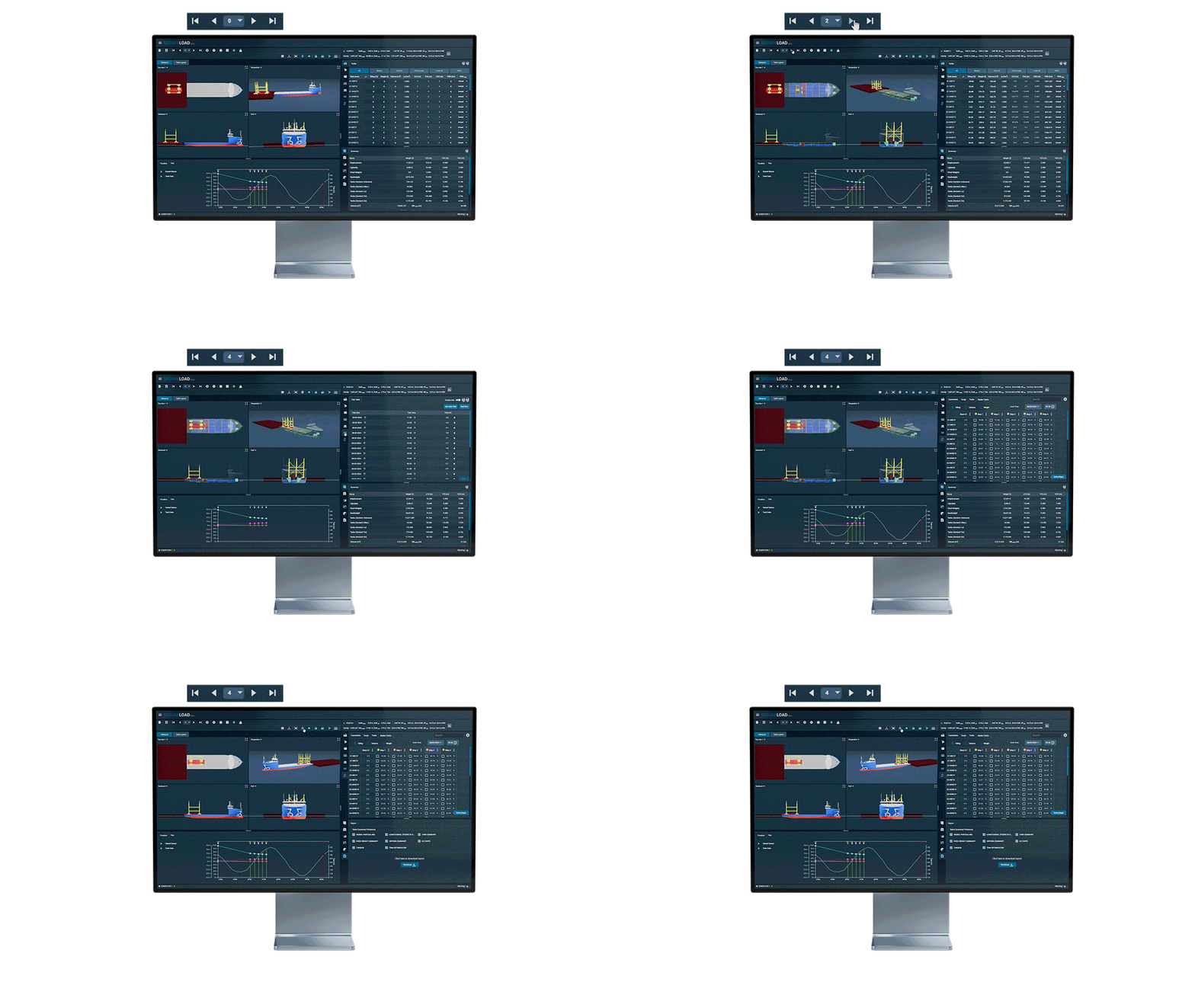
Select the vessel, voyage leg and starting condition. Enter cargo pattern and an initial ballast setup in one screen.
0

Run Checks

Run intact/damage stability and longitudinal strength together, with limits and margins clearly visualised.
0

Adjust & Optimise

Tweak cargo, ballast and trim, compare iterations and save scenarios you want to keep or reuse.
0

Export & Share

Generate reports for surveyors, share cases with office teams and keep an archive of approved conditions.

Deployment Options and Integrations

SecureLoad Loading Computer is delivered with class-approved onboard deployments and connected tools for shore teams, designed to fit into your existing IT and operations setup.
Deployment

Onboard Installation

  • Class-approved loading computer installation on vessel hardware.
  • Optimised for offline use, with sync options where connectivity is available.

Office Access

  • Web-based access for supers, engineering and operations teams.
  • Same vessel models and methods as onboard, no separate “office version”.
Integrations

Tank Sensors & Loading Data

  • Interfaces for tank level and loading-related signals (where available).

Hoppe Ballast Control

  • Integration with Hoppe Marine ballast control systems on equipped vessels.

Data Export

  • Export cases, results and reports to PDF/Excel/JSON for use in other systems and internal archives.
IT & Security

Access & Permissions

  • Secure logins with role-based permissions for ship and shore users.

Hosting & Data

  • Flexible hosting models (cloud / hybrid / on-prem, depending on your policy).

Backup & Audit Trails

Backups and audit logs to track changes, approvals and key actions on cases.

Designed for Masters, Chief Officers and Shore Teams

Different roles use the same loading computer for different decisions, but always on the same vessel model and cases.

Masters

Work approved loading conditions with clear margins and reports surveyors recognise.

Chief Officers

Build, adjust and optimise cargo and ballast conditions without re-entering data in multiple tools.

Port Captains / Superintendents

Review shipboard cases, run what-if scenarios from shore and support vessels on tight turnarounds.

Ship Owners / Fleet Managers

Standardise loading practices across vessels and gain better visibility of how close operations run to limits.

Naval Architects / Cargo Engineers

Confirm that day-to-day conditions match the assumptions and methods used in design and approval.

HSEQ / Compliance Teams

Access a consistent record of how conditions were checked, approved and documented across the fleet.

How Operators Use SecureLoad Onboard

Vessel / Operator

32-year-old converted container → general cargo vessel
Captured decades of retrofits into a modern loading model and replaced manual workarounds with a class-approved SecureLoad Loading Computer.

Vessel / Operator

MPP vessel – load-in / load-out operations
Introduced a dedicated load-in/load-out workflow in the loading computer, reduced spreadsheet use and secured KR approval on the new setup.

Vessel / Operator

Heavy-lift fleet (19 vessels)
Rolled out SecureLoad as the common loading computer across the newest-generation heavy-lift fleet, adding crane and deck checks into a single approved workflow.

Frequently Asked Questions

Yes. SecureLoad Loading Computer is designed and delivered for class approval.

Each vessel implementation goes through a class approval process (per class society) based on its specific model, hydrostatics and strength data.

Vessel data updates (lightship changes, curves, limits, retrofits, etc.) are managed through a controlled engineering process.

Our team (or your appointed naval architect) updates the model, validates it and, where required, submits changes for class review before it’s deployed to ship and shore.

Onboard, the loading computer is designed to work offline.

All calculations and reports are available locally; any sync with shore systems happens when connectivity is restored—loading safety does not depend on a live connection.

Yes, where the cloud component is deployed.

Approved or shared cases can be viewed, copied and further analysed by supers, engineering and operations teams using the same vessel model and methods as onboard.

We start with a pilot vessel or small group of vessels, deliver and approve the models, and run guided training sessions for bridge and shore teams.

Most customers combine live online sessions with recorded walkthroughs and quick-reference guides tailored to their procedures.

Licensing is typically structured per vessel for onboard use, with additional seats or roles for office users.

We’ll align the licensing model with your fleet size, shore organisation and rollout plan. For details, talk to our team or see our licensing overview.

Ready to Modernise Your Loading Computer?

Share a few vessel details and a recent loading case—we’ll walk you through how it runs in SecureLoad.